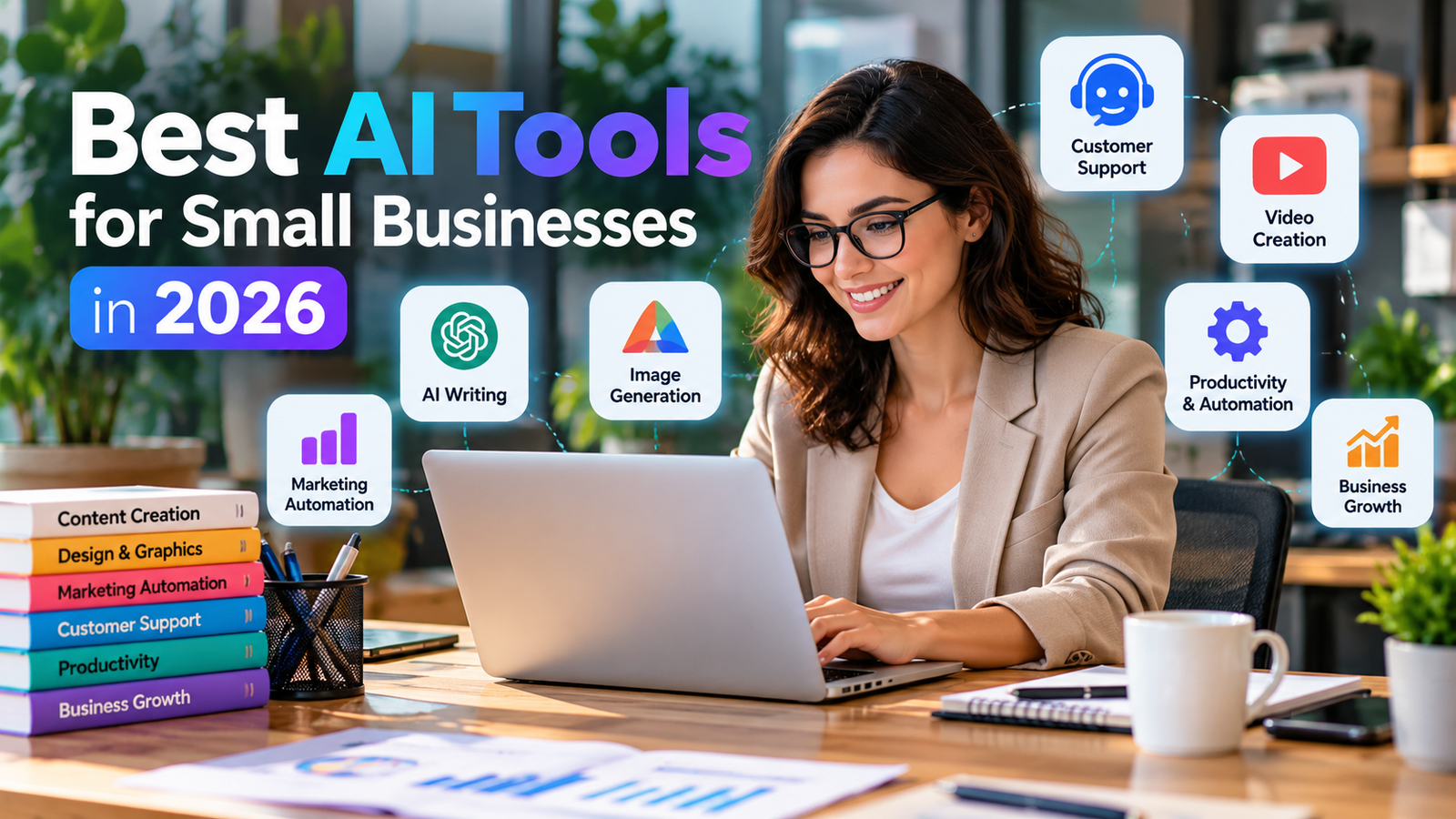
Small businesses do not need dozens of subscriptions to benefit from AI. The best starting point is to choose tools that solve a clear problem—answering customer questions, preparing marketing drafts, summarizing information, or automating repetitive admin—and measure whether they save time without lowering quality.
Quick picks by task
| Need | Tools to evaluate | Best starting point |
|---|---|---|
| Writing and research | ChatGPT, Google Gemini, Claude | Use one assistant for drafts, brainstorming and summaries; verify important facts. |
| Design and social posts | Canva AI features, Adobe Express | Use brand templates and review text, images and usage rights before publishing. |
| Meetings and documents | Microsoft 365 Copilot, Google Workspace AI features | Prefer the assistant integrated with the office suite your team already uses. |
| Customer support | Intercom AI features, Zendesk AI features | Start with FAQs and hand off sensitive or complicated issues to a person. |
| Workflow automation | Zapier, Make | Automate a repeatable low-risk process, such as routing a lead form to a spreadsheet. |
| CRM and sales | HubSpot AI features | Use AI to summarize leads and draft follow-ups, while a person approves messages. |
How to choose the right tool
1. Start with one measurable problem
Do not buy an AI subscription just because it is popular. Choose a task that repeats every week: drafting product descriptions, preparing meeting notes, categorizing support requests or producing a first draft of a social post. Record how long the task currently takes and compare results after a short pilot.
2. Check privacy and permissions
Before uploading customer lists, contracts, financial records or employee information, read the provider’s data-use and retention terms. Use business-grade controls where needed, restrict access by role and avoid entering sensitive personal data into a tool that has not been approved for it.
3. Compare the full cost
Free tiers can be useful for testing, but limits, team controls, integrations and usage allowances vary. Check current plans on the vendor’s official website; pricing and included AI features change often. Also account for setup time, staff training and any usage-based charges.
4. Keep human review where it matters
AI can make mistakes, invent details or produce generic copy. Verify factual claims, legal or financial guidance, customer commitments and product specifications. For customer support, provide a clear route to a human rather than allowing a bot to handle every case.
A practical starter stack for a small business
- Choose one general assistant for research and first drafts.
- Use the design tool your team already knows for branded visuals.
- Automate one repetitive workflow only after its manual steps are clear.
- Keep customer and sales data in your existing CRM or approved business systems.
- Review time saved, error rates and customer feedback after 30 days.
Common mistakes to avoid
- Subscribing to several overlapping assistants before testing one.
- Publishing AI output without checking names, numbers, claims and tone.
- Connecting tools to email, customer data or payment systems without reviewing permissions.
- Expecting automation to fix an unclear process.
Frequently asked questions
Are free AI tools enough for a small business?
They can be enough for occasional drafting and brainstorming. Teams that need privacy controls, collaboration, higher limits or integrations may need a paid plan.
Can AI replace staff?
It is more useful to treat AI as assistance for selected tasks. People still need to check outputs, handle exceptions and make decisions that affect customers.
Which tool should I try first?
Pick the tool that fits your most frequent bottleneck and existing software. Test it on a small, low-risk task before expanding its role.
Bottom line: The best AI tools for small businesses are the ones that solve a specific problem securely and reliably. Start small, measure the result, and expand only when the value is clear. If your business is exploring customer-facing automation, see our guide to integrating AI chatbots into a website. For broader planning, our guide to website development costs in India can help frame your budget.