
Introduction
Elementor is one of the most popular WordPress page builder plugins, used by millions of websites worldwide. It allows users to create professional, responsive websites without writing code.
However, many beginners and website owners get confused between Elementor Free vs Elementor Pro.
Is Elementor free enough?
Is Elementor Pro worth the cost?
Which version is better for business websites, blogs, and ecommerce?
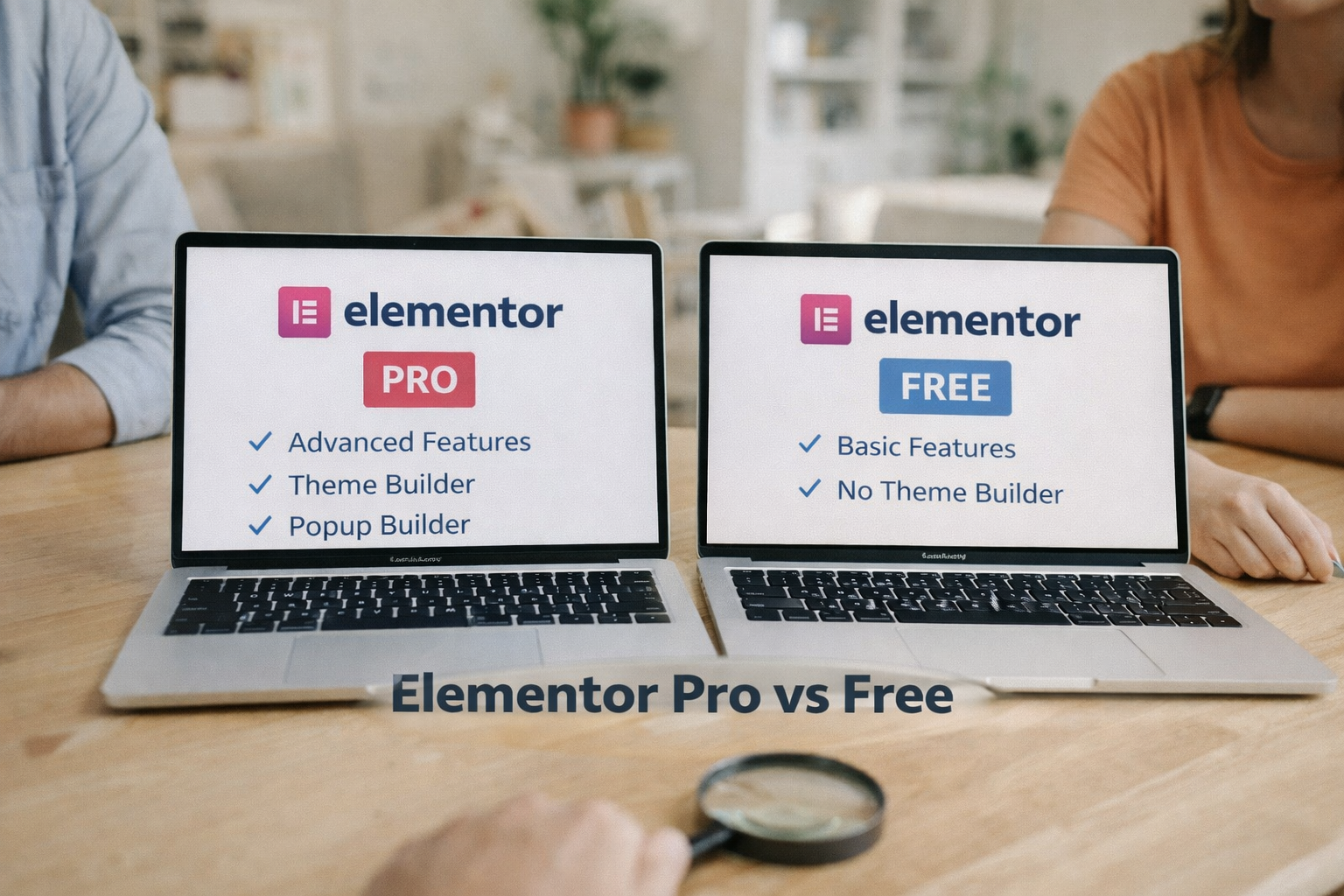
In this detailed comparison of Elementor Pro vs Free, we’ll compare features, pricing, widgets, templates, and use cases to help you choose the right option.
What Is Elementor?
Elementor is a drag-and-drop WordPress page builder that helps you design pages visually in real time.
With Elementor, you can:
- build landing pages
- design business websites
- create blog layouts
- customize WordPress themes
- design ecommerce pages
Elementor comes in two versions:
- Elementor Free
- Elementor Pro
Elementor Free Overview
Elementor Free is available in the WordPress plugin repository and can be used without any cost.
Key Features of Elementor Free
- drag-and-drop editor
- responsive design controls
- basic widgets (text, image, button, heading)
- basic templates
- inline editing
- mobile & tablet editing
Elementor Free is best for:
- beginners
- small websites
- basic blogs
- learning WordPress design
Elementor Pro Overview
Elementor Pro is the paid version that unlocks advanced features, widgets, and professional design tools.
Key Features of Elementor Pro
- advanced widgets
- theme builder
- popup builder
- form builder
- dynamic content
- WooCommerce builder
- global widgets & styles
Elementor Pro is ideal for:
- business websites
- ecommerce stores
- agencies
- professional designers
Elementor Pro vs Free: Feature Comparison
| Feature | Elementor Free | Elementor Pro |
|---|---|---|
| Drag & Drop Editor | Yes | Yes |
| Responsive Design | Yes | Yes |
| Basic Widgets | Yes | Yes |
| Advanced Widgets | No | Yes |
| Theme Builder | No | Yes |
| Popup Builder | No | Yes |
| Form Builder | No | Yes |
| WooCommerce Builder | No | Yes |
| Dynamic Content | No | Yes |
| Support | Community | Premium Support |
Widgets Comparison
Free Widgets
- heading
- image
- text editor
- button
- icon
- spacer
- divider
Pro Widgets
- forms
- slides
- posts
- portfolio
- price table
- call to action
- login
- nav menu
- testimonials
Advanced widgets are one of the biggest reasons people upgrade to Elementor Pro.
Theme Builder: Pro-Only Feature
With Elementor Pro, you can design:
- header
- footer
- single post layout
- archive pages
- 404 pages
This removes the dependency on WordPress themes and allows full website customization.
Elementor Free does not support theme builder functionality.
Popup Builder (Pro Only)
Elementor Pro includes a powerful popup builder to create:
- email opt-in popups
- discount popups
- exit-intent popups
- login & signup popups
This feature replaces many paid popup plugins.
Elementor Pro Pricing
Elementor Pro pricing depends on number of websites:
- Single site plan
- Multiple sites plan
- Agency plan
Pricing varies yearly and includes:
- updates
- premium support
- new features
Elementor Free costs ₹0.
Performance & Speed
Elementor Free:
- lightweight
- suitable for small websites
Elementor Pro:
- slightly heavier
- optimized for professional websites
With good hosting and optimization, Elementor Pro performs well.
Elementor Free vs Pro: Which Is Better for SEO?
SEO depends on:
- clean code
- page speed
- content quality
Both Elementor Free and Pro are SEO-friendly when:
- optimized hosting is used
- caching is enabled
- images are optimized
Elementor Pro gives more design control, which helps create conversion-focused pages.
Elementor Pro vs Free: Use Cases
When Elementor Free Is Enough
- personal blogs
- simple websites
- beginners learning WordPress
- small portfolios
When Elementor Pro Is Worth It
- business websites
- ecommerce stores
- lead generation sites
- landing pages
- agencies & freelancers
Pros & Cons
Elementor Free Pros
- free to use
- easy to learn
- good for basic design
Elementor Free Cons
- limited widgets
- no theme builder
- no advanced customization
Elementor Pro Pros
- full design control
- professional widgets
- popup & form builder
- WooCommerce support
Elementor Pro Cons
- paid plugin
- yearly subscription
Elementor Pro vs Free: Final Verdict
Elementor Free is perfect for beginners and simple websites.
However, if you want:
- professional design
- advanced features
- business-ready layouts
- marketing tools
then Elementor Pro is worth the investment.
For serious bloggers, businesses, and ecommerce websites, Elementor Pro provides much better value and flexibility.
FAQs
Is Elementor Free good enough?
Yes, for basic websites and beginners.
Is Elementor Pro worth buying?
Yes, for business websites, landing pages, and ecommerce.
Does Elementor Pro slow down website?
With proper hosting and optimization, performance remains good.
Can I use Elementor Pro for ecommerce?
Yes, Elementor Pro supports WooCommerce builder.
Leave a Reply