
The Short Answer
For most WordPress sites in 2026, Wordfence is a strong all-rounder for on-site firewall and malware scanning. Solid Security suits owners who want guided hardening and login protection. Sucuri’s paid platform is the pick for a cloud firewall plus professional malware cleanup. All-In-One Security (AIOS) is a capable free option for blogs, and Jetpack Security fits sites that want automated backups bundled with scanning.
No plugin guarantees protection. Each one reduces specific risks, and the right choice depends on your site, your hosting, and how much hands-on management you want. This guide is based on publicly documented features, not lab testing, so confirm current plans and pricing on each vendor’s official page before buying. Also review our guides to WordPress speed optimization tools and WordPress hosting in India when evaluating your site’s wider setup.
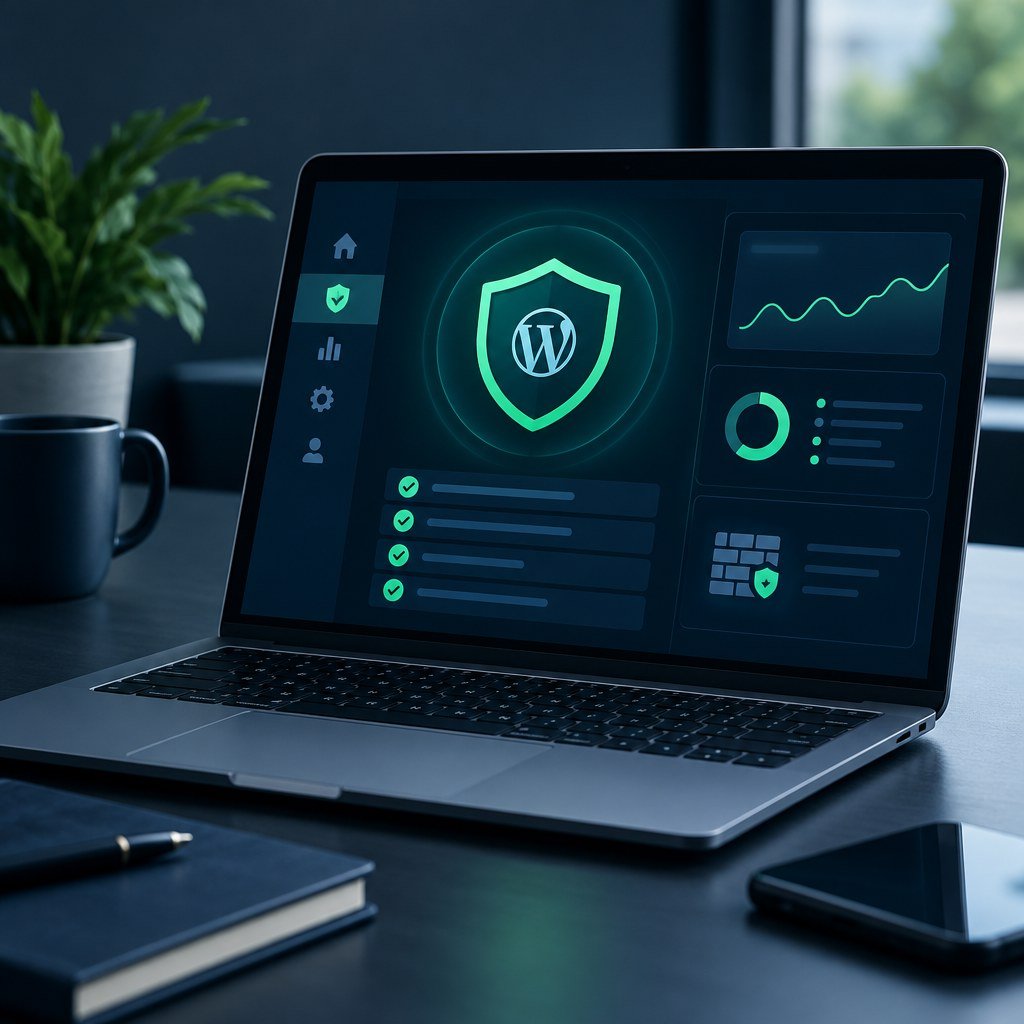
Core Security Features Explained
Before comparing brands, understand what each feature actually does.
Firewall (WAF)
Blocks malicious requests. Plugin firewalls run on your server; cloud firewalls filter traffic before it reaches your host.
Malware Scanning
Compares files against known-good versions and threat signatures. Detection does not always mean automatic removal.
Login Protection
Limits failed attempts, blocks brute-force bots, and can enforce strong passwords or CAPTCHA.
Two-Factor Authentication
Requires a second code or device, so a stolen password alone cannot unlock an account.
Activity Logs
Record logins, plugin changes, and user edits, helping you reconstruct what happened after an incident.
Backups and Incident Response
Off-site backups let you restore a clean copy. Incident response means someone cleans an infected site, usually as a paid service.
The Five Plugins Compared
Wordfence
Runs an endpoint firewall and malware scanner inside WordPress, plus login security with 2FA. Free users receive firewall rules and signatures on a delay; premium users get them in real time. No backups are included, and scans can be heavy on modest shared hosting.
Solid Security
Formerly iThemes Security, it focuses on hardening: brute-force protection, 2FA, user security checks, and vulnerability alerts for installed plugins and themes. Pro tiers add features such as passkey login and firewall rules. Backups come from the separate Solid Backups product.
Sucuri
Separate the two offerings. The free Sucuri Security plugin provides activity auditing, file integrity monitoring, remote scanning, and hardening. The cloud firewall and malware removal belong to the paid Sucuri platform, which works at the DNS level rather than inside WordPress.
All-In-One Security (AIOS)
From the UpdraftPlus team, the free version includes login lockdown, 2FA, firewall rules, file change detection, and an audit log. Premium adds malware scanning and country blocking.
Jetpack Security
Bundles real-time backups, malware scanning with fixes for many threats, a firewall, Akismet spam filtering, and an activity log. It requires connecting your site to a WordPress.com account.
Small Blog vs WooCommerce Store
Small Blog
Main risks are brute-force logins and outdated plugins. AIOS or free Wordfence, 2FA for admins, and a backup plugin storing copies off-site usually cover the essentials.
WooCommerce Store
Stores hold customer data and lose sales during downtime. Prioritize frequent or real-time backups so recent orders survive a restore, a firewall with current rules, and access to incident response. Jetpack Security, a premium Wordfence or Solid plan with separate backups, or Sucuri’s cloud firewall all make sense. Test checkout after enabling firewall rules, because aggressive blocking can interrupt payment gateway callbacks.
What a Plugin Cannot Replace
Security plugins are one layer. These fundamentals still matter most:
- Updated WordPress core, themes, and plugins, with unused ones deleted
- Least-privilege accounts: administrator access only for people who need it
- Reliable off-site backups you have actually test-restored
- HTTPS across the entire site
- Hosting-level security: server firewalls, account isolation, supported PHP versions
Safe Setup Checklist
- Take a full backup before installing anything.
- Install one primary security plugin.
- Enable 2FA for every administrator account.
- Set login limits and note recovery steps in case you lock yourself out.
- Run the first scan and review flagged files before deleting anything.
- Send alerts to an inbox you actually monitor.
- Test forms, logins, and checkout.
- Review logs and scan reports monthly.
Frequently Asked Questions
Is a free security plugin enough?
For many small blogs, combined with updates, strong passwords, and backups, yes. Stores and busy sites benefit from real-time rules and vendor support.
Will a security plugin slow my site?
On-site scanners use server resources, so schedule scans off-peak. Cloud firewalls move filtering off your server.
Will installing a plugin fix an already hacked site?
Not reliably. Malware can hide in the database or modified files. Restore a clean backup or use professional cleanup, then change all passwords and security keys.
Can I use Jetpack and Wordfence together?
Possibly, but disable overlapping features such as duplicate firewalls or brute-force protection.
Pick One Plugin, Then Build the Other Layers
Match the plugin to your risk: free tools for simple blogs, backups and incident response for stores. Your next step: back up today, enable 2FA, and remove plugins you no longer use.